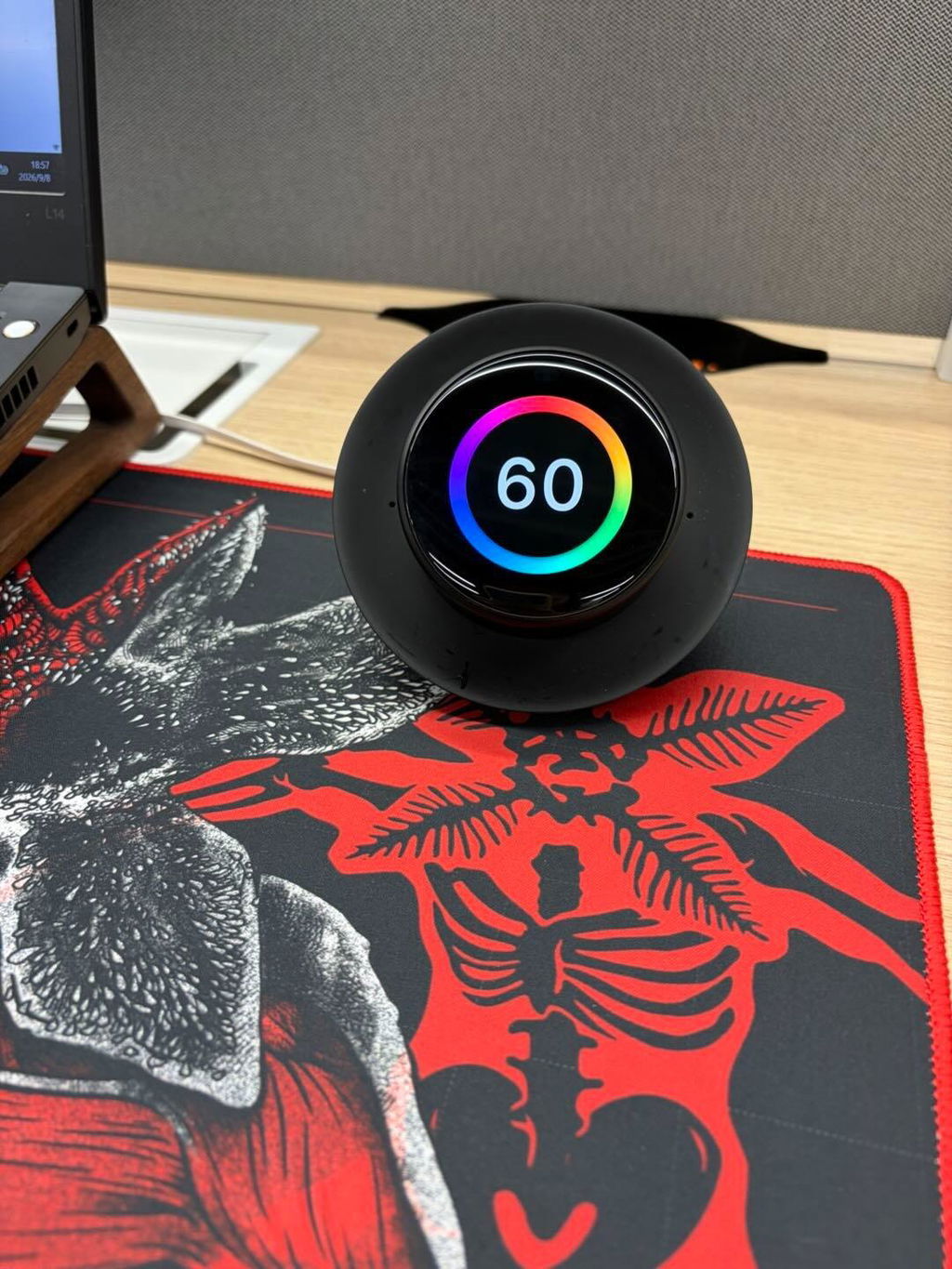
Built for Deep Focus,
Designed for Better Habits

Why Choose Focusaur

One Focusaur. Every Step of Focus.


From Focus to Habit
Stick an NFC tag where your routine happens, then tap Focusaur to start a focus session or check off today’s habit — one tiny cue that turns “I should” into “done.”


Your AI Focus Buddy
A tiny focus friend on your desk that helps you plan, remember, and start when focus feels hard.


Focusaur APP
For iOS and Android — where your device, habits, and focus data work together.
Start Free, Focus Deeper with Pro.
Focusaur Basic includes the essential features you need to start focusing and use your device every day. Pro is an optional upgrade for users who want more advanced planning, insights, personalization, and higher usage limits.

*Pomodoro Templates are available in the Basic app for a limited time.
Focusaur in Real Life


FAQ
Focusaur is not a medical device, and it does not treat, diagnose, or cure ADHD.
Focusaur is designed for people who get distracted easily and want a calmer, more physical way to focus. Its tactile controls, low-distraction design, and habit-building system are meant to make it easier to start and stay engaged with focus sessions.
Focusaur is designed with privacy in mind. Core features work offline by default, and AI chat is the only feature that requires internet.
We collect minimal data, and syncing only happens when you manually trigger it. Your data is transferred through an encrypted connection, and you stay in control — you can export or delete your data at any time.
Yes. Focusaur is designed to meet the required safety and compliance standards for supported markets, including CE and other applicable certifications.
The Focusaur Device:
CE, RoHS, REACH, FCC, DOE, CEC, EU cybersecurity, Prop 65, BQB, KC, NRcan, ICED, IC-ID, TELEC, MSDS, DOE, RCM.
The Charging Dock:
CE, RoHS, REACH, DOE, CEC, FCC, EU cybersecurity, KC, Prop 65, NRcan, ICED, TELEC, RCM.
The charging dock itself does not have a built-in battery and does not store power. Battery life refers to the Focusaur device. Under typical use (around 8 focus sessions per day, 25 minutes each), the Focusaur device lasts more than 3 days on a full charge. Under light use, it can last more than 7 days.
Focusaur takes approximately 2 hours to fully charge.
Remove the Focusaur device from the charging dock, then go to the Settings page on the device to view the remaining battery level.
You can check the SN (serial number) in two ways:
- In the app
After connecting your Focusaur device to the app, go to My Focusaur > Settings > Get Log. The device’s SN number will be shown there. - On the device
Press and hold to enter the Settings page on the Focusaur device, then go to About Device to view the SN number directly.
Yes. Focusaur can be used on its own for regular focus sessions. Once the Focusaur device has been configured to the app, features like regular focus, Deep Focus, and habit check-ins can still be used even when the app is not actively connected. Your records will sync back to the app the next time the device reconnects.
Yes. Both the Focusaur device sound effects and built-in ambient sound can be turned off.
NFC writable tags are quick-access tags that work with Focusaur for habit check-ins or starting a focus session. Once an NFC tag is connected to a specific habit or focus tag, you can simply tap it with Focusaur to instantly check in or begin focusing.
For regular functions such as focus sessions, habit check-ins, and schedule sync, Focusaur does not need to be connected to Wi-Fi. However, if you want to use the AI Voice feature, you’ll need to configure Wi-Fi for the device in the app first.
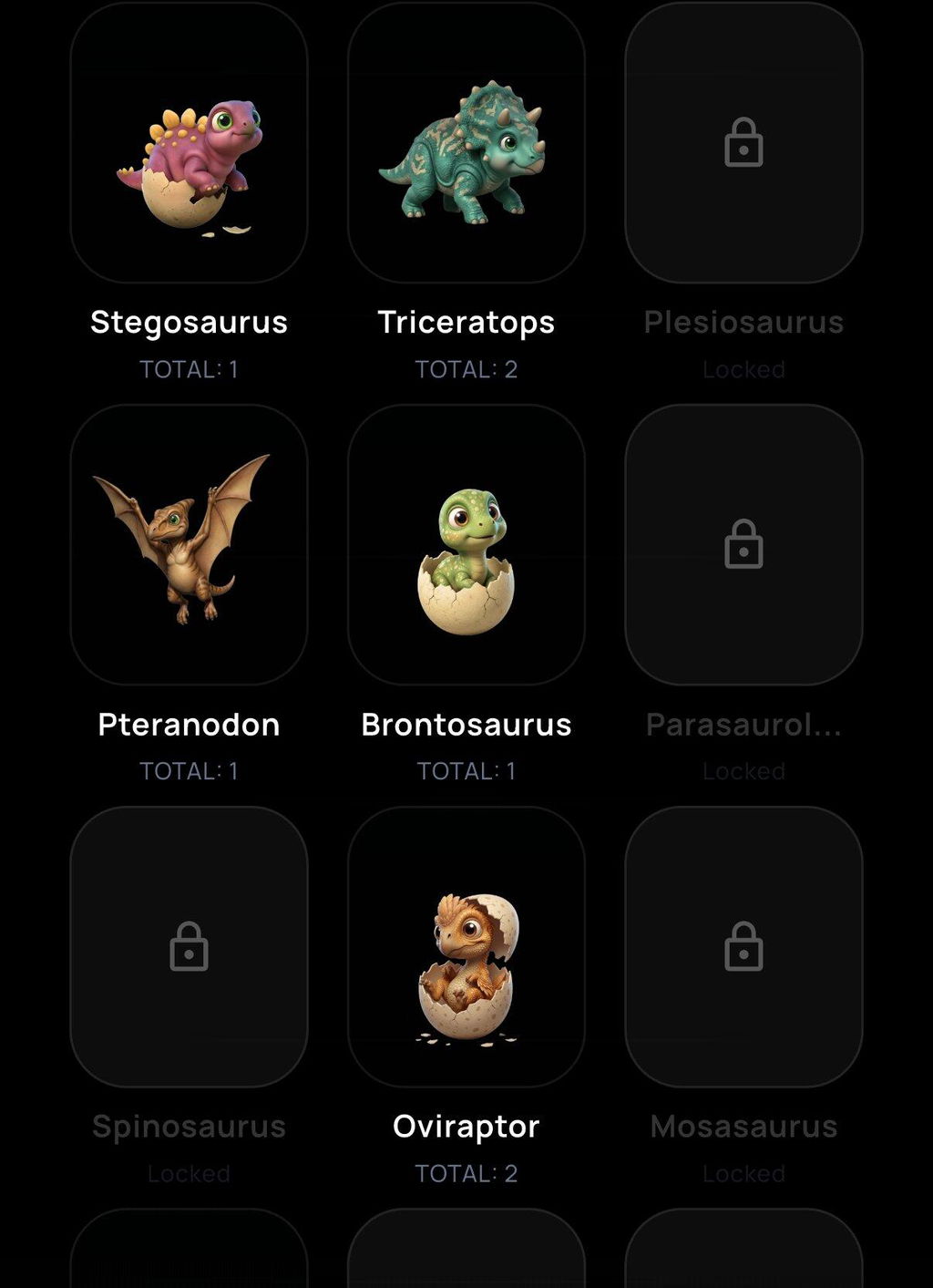
There are two ways to hatch a 1-star dinosaur, and both can be done through the app or the Focusaur device:
① Complete a focus session of at least 25 minutes
② Complete one full round of habit check-ins
Yes. You can set an alarm in the app, and once it’s configured, your Focusaur device will ring at the scheduled time as a reminder.